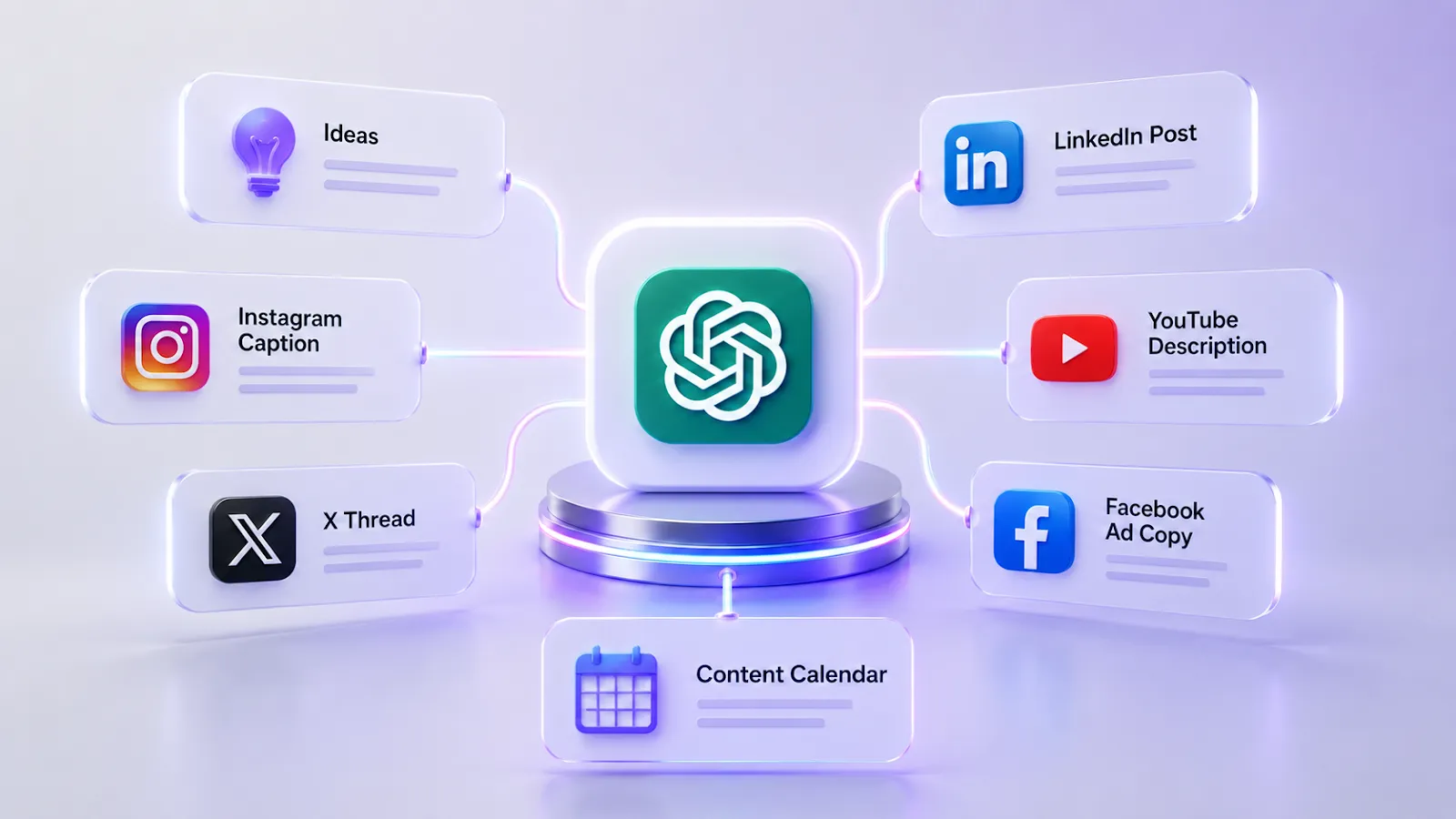
ChatGPT is useful for social media when you treat it as a strategist and drafting assistant, not as an autopilot. It can turn messy ideas into platform-specific captions, content calendars, ad variants, hooks, scripts, and performance summaries. The weak spots are trend timing, account-specific analytics, brand taste, and anything that needs live platform context.
Quick answer: use ChatGPT for social media planning, copy variations, repurposing, caption drafts, LinkedIn posts, X threads, YouTube descriptions, ad copy, and reporting narratives. Pair it with social tools for scheduling, analytics, trend monitoring, and visuals.
| Social task | ChatGPT is good for | Pair with |
|---|---|---|
| Instagram captions | Hooks, captions, hashtags, carousel outlines | Canva, Later, Hootsuite |
| LinkedIn content | Thought leadership drafts and executive posts | Shield, Taplio, native analytics |
| TikTok/Reels | Script hooks and shot lists | CapCut, Runway, native trend research |
| X/Twitter | Threads, hooks, repurposed posts | Typefully, Hypefury, native trends |
| YouTube | Titles, descriptions, outlines, Shorts scripts | YouTube Studio, vidIQ, TubeBuddy |
| Paid social | Hook and angle variations | Meta Ads, LinkedIn Ads, creative testing tools |
Source check — June 12, 2026: OpenAI’s marketing guide says teams use ChatGPT to move from idea to brief to assets to launch, generate variations, summarize performance data, and apply human judgment. Hootsuite’s OwlyWriter and OwlyGPT pages position AI around captions, post ideas, hashtags, real-time social trends, and campaign building. That confirms the practical stack: ChatGPT creates and structures; social platforms and management tools publish, measure, and monitor.
For a broader stack, compare AI social media tools, AI marketing tools, and Claude AI for marketing.
Is ChatGPT Good for Social Media in 2026?
ChatGPT can improve social media workflows when used as a planning and drafting assistant. The main tasks it can support include text generation, editing, headline drafting, caption drafts, content plans, and repurposing. Some teams report meaningful production-time savings, but the percentage depends on workflow, prompt quality, approval process, and how much human editing is required.
But by 2025, many brands were posting overly generic AI captions and audiences became more sensitive to formulaic content. Consequently, AI-produced content alone does not guarantee engagement. ChatGPT should be used in moderation and in conjunction with real brand insight.
The lower-risk workflow is to apply AI for efficiency while relying on humans for aesthetics, judgment, context, and final approval.
Many marketers and content creators report that AI-generated content undergoes human editing before publication, and this is undoubtedly the right decision.
ChatGPT vs Traditional Social Media Tools: Strengths and Weaknesses
Before ChatGPT, there were other tools for managing social media. Now we call them “traditional tools,” while the use of chatbots has become relevant – and even a trend.
Among the most well-known tools are Hootsuite, Buffer, Sprout Social, and Later. These tools were created primarily for planning, analytics, and workflow management.
What are the advantages of ChatGPT?
- Volume and speed. ChatGPT can draft texts, hashtags, and caption ideas for a month-long content calendar quickly. Review, selection, scheduling, and performance judgment still remain human work.
- Idea generation and brainstorming. ChatGPT generates ideas that have not yet been fully formed or even comes up with ideas to help get out of creative stagnation in generating relevant ideas.
- Content repurposing. It allows reworking and adapting the same text to different formats and platforms, whether it be turning a blog post into several posts on X or for LinkedIn and Instagram.
- Adjustment of tone. ChatGPT can change the tone of your text depending on what you exactly need.
- Cost-effectiveness. It is possible to draft useful content even with a free plan. Paid plans may increase limits or capabilities, but actual savings depend on usage, review time, and whether the output improves the workflow.
What are the downsides?
- Image generation is good, but the output isn’t optimized for social media formats. While in Canva, for example, you can select the size or social network for which content is being created, this isn’t possible with a chatbot. It’s also difficult to ensure brand consistency. In apps, a brand kit can store and automatically generate other content in a consistent style.
- Real-time data is not available by default. Without a web browser open, ChatGPT’s data feed cuts off, and outdated content may be generated.
- Risk of formulaic results. After all, AI tends to generate similar content. It is more common when writing without detailed instructions and brand context.
What are the benefits of traditional tools?
- Automation and planning. ChatGPT performs well when it comes to content creation and other tasks prior to publishing, but there are other applications that you must use such as Buffer and Hootsuite when it comes to publishing.
- Performance data and analytics. The ChatGPT app lacks information regarding the performance and engagement history of the user, demographic data of the followers, and integration with Facebook Ads Manager and LinkedIn Analytics. This functionality can be achieved with Sprout Social’s app.
- Monitoring of trends. You will require specific applications for real-time tracking of trends.
| Tool | Use |
|---|---|
| ChatGPT | AI-powered chatbot. Very helpful when used for producing content, developing concepts, creating copy, and strategizing. Can create large volumes of content in a short time. Cannot publish automatically. |
| Buffer | An app for scheduling and automatically publishing posts on social media. Suitable for Instagram, Facebook, LinkedIn, X, and others. It’s useful for creating a content plan in advance, automatically publishing posts, and viewing basic statistics (reach, likes, etc.). Best for small teams. |
| Hootsuite | A social media management app, but a more professional tool. You can schedule and automate posts, respond to messages and comments from a single place, perform detailed analytics, and work in a team (with different access levels for employees). Good choice for businesses, agencies, and large projects. |
| Sprout Social | An advanced platform used to help individuals manage their social media activity. It is mainly utilized by businesses, agencies, and social media marketers. This platform is not only helpful in scheduling and automating posts, but it also performs comprehensive analysis and listens to how the brand is perceived in the social network. |

Comparing AI Chatbots vs ChatGPT for Social Media Engagement
In addition to ChatGPT, there are many other products on the market that are well-suited for social media management.
- Claude. Claude can be a strong option for nuanced text generation, tone control, and longer content. It may be useful for expert-opinion drafts on LinkedIn, but outputs still need human editing and fact-checking.
- Gemini. Has more seamless integration with Google Workspace and YouTube Studio. Useful tool when drafting videos for YouTube, including scripts and description. Since it can fetch data in real time, it proves to be an asset when discussing trendy topics. Can generate images, too.
- Perplexity. More appropriate for conducting research and detecting trends. Not really a content creation software but highly useful in conducting research prior to creating content on social media.
- Jasper AI. This is an application that creates marketing content with the help of artificial intelligence technology. Enables you to write social media posts, ads, blogs, email newsletters, among other types of content. It features its own social media templates and a team collaboration feature.
How to Avoid Generic Content When Using ChatGPT
Templated and overly generic content is one of the main drawbacks of creating content with ChatGPT. To avoid this, it’s important to craft your prompts correctly – a good prompt is crucial for a more personalized result. It’s important not to create vague prompts.
Comparison:
General: “Create a caption for an Instagram post on the release of our latest product.”
Specific: “Create a caption for an Instagram post on the release of our new skincare serum, which is based on matcha and targets females aged 25 to 35 in urban settings. Our brand voice is warm and science-backed. Use 2–3 sentences, end with a question to encourage comments, and add 5 relevant hashtags. Avoid corporate jargon.”
The second prompt contains a complete description of what the user wants to see as a result, including constraints. Such a prompt tends to yield a more unique result.
You can also upload past successful posts to the chat and ask it to replicate the tone and structure. This also includes language specific to your audience. Ask ChatGPT to adhere to these parameters.
It’s vital to realize that ChatGPT is a device used to decrease the time needed for the work, yet a chatbot cannot replace human intuition, at least when it comes to creativity. You should consider your initial draft as a source of inspiration, yet not as a ready-to-use result. Give an example, relate your personal experience, or add a culturally-specific phrase that will not occur to ChatGPT.
ChatGPT in Different Social Networks
ChatGPT operates in various ways when used on different platforms since all social media are unique in their peculiarities.

Instagram is a platform where visuals are the most important, including both videos and photos. But posts are also about captions and the information they aim to convey. The most valuable use cases involve writing captions with strong hooks that can hold the audience’s attention.
Also, ChatGPT can draft scripts for carousels, create polls and questions for Stories, and suggest hashtags.
Things it can’t do: writing scripts for Reels that seem natural and fit into trends without major editing afterward. Porting Reels formats from TikTok to Instagram requires consideration of cultural nuances, which ChatGPT does not have access to by default.
For LinkedIn, a chatbot can become a useful drafting assistant. LinkedIn often rewards clear ideas, consistency, and personal perspective. ChatGPT can generate drafts for these tasks, but copying and pasting is not the answer: inject your own experience, examples, and point of view so the post does not read as formulaic.
Moreover, the bot may help you to create job listings, maintain company pages, and write comments.
TikTok
TikTok is perhaps the most challenging platform for integrating ChatGPT into its processes. The platform’s content is shaped by current trends, visual cues, and specific memes that change every week. And as previously mentioned, ChatGPT’s knowledge base doesn’t allow it to track trends that quickly.
However, the chatbot can help with writing scripts for videos (especially if the video features a person with a talking head), creating calls to action, and developing concepts.
X
This social network is perfect for ChatGPT. The platform encourages concise, meaningful, and clear text, which ChatGPT can generate in large volumes if given a good prompt.
A perfect illustration of how AI can be used here is through the creation of a series of tweets. In fact, you may give ChatGPT a full article and get its structure broken down into 10 tweets complete with an intro, a body, and an appeal.
But this method has its limitations because satire, sarcasm, and live reactions to cultural phenomena will be challenging. After all, X is a platform for sharing opinions, and the human element is crucial here.
Facebook users mainly share images and text posts. The social network also responds well to long captions, a narrative tone, and content that sparks discussion. ChatGPT is capable of developing suggestions for group posts, personal page posts, photo captions, event information, advertisement texts, and even questions to ask the community. Also, it is possible to use the chatbot to develop intriguing questions to encourage people to express their views.
YouTube
YouTube videos are numerous and intricate; thus, a good strategy should be developed. ChatGPT can compose texts for videos, edit titles and descriptions, and support community posts.
Video titles and descriptions are where ChatGPT’s SEO optimization feature is particularly useful. By specifying a target keyword, the video’s topic, and the desired tone, you can get a solid first draft that will then require only minor editing. Full script generation is best suited for educational and informational content—entertainment content and content based on the author’s personality still require significant human involvement.
Building Content Plans Using ChatGPT
In the past, it often took teams several hours or even days to create a content plan. With ChatGPT, a first draft can be created quickly using a prepared prompt, but it still needs strategic review.
The prompt should specify the strategic context, including the audience, brand style, monthly themes, upcoming campaigns, and platform priorities.
Next, request a breakdown by main content categories – typically 3–5 recurring themes (e.g., educational, promotional, community-focused, behind-the-scenes content, user-generated content).
Generate a weekly post grid with format type (carousel, Reel, static image, long-form post), topic, and angle for each platform.
Use it to batch-write captions for each post type, then edit for voice specificity. Incorporate platform-specific variations – the same topic requires different framing for Instagram, LinkedIn, and Facebook.
This approach can help you create a first-draft content plan for the requested period in a shorter time.
Social Media Personal Branding
When building your personal brand on social media, it’s important to keep the content personal, specific, and clearly reviewed by you. ChatGPT can assist with the technical aspects.
For example, ChatGPT can position you, write your LinkedIn profile, and come up with posting ideas that align with your expertise.
The right way to go about this would be to use a neural network to build the foundation of concepts like content strategy, posting format, and themes. All of this should be based on your personal vision and experience. If you provide the chatbot with information about your achievements, experience, and expertise, the AI model can present it in an engaging way.
The key is to avoid clichés in posts that sound like “I used to think A until I realized B” or “Here’s what nobody will tell you about C.” This immediately alienates readers.
Automating Social Media Posting
ChatGPT itself cannot schedule or publish content, but it can be integrated into automated workflows via APIs and tools such as Zapier, Make, and Buffer’s AI features.
To improve efficiency, here’s the sequence of actions:
ChatGPT for text generation → Canva for visuals creation → Buffer for scheduling posts.
The Best AI Tools to Combine with ChatGPT for Social Media Marketing
While ChatGPT is more useful in case you need to work with texts, generate content ideas, and operate with words, in order to achieve better results, you have to combine it with some other tools.
- Midjourney or Adobe Firefly – create visuals and imagery
- Canva AI – make visuals according to the brand using various templates, supported by different types of platforms depending on social networks
- Runway, KlingAI – generate videos based on your prompt
- Brandwatch – a common enterprise option for social media monitoring, primarily aimed at enterprise users rather than smaller companies
- Mention – to monitor trends and analyze social media in real time, great for small-medium business
- Hootsuite or Buffer – for planning, analytics, and managing multiple platforms simultaneously
- Jasper – for companies looking for consistent and coherent brand messaging across channels without creating prompt generation software
How to Write High-Converting Social Media Ads with ChatGPT
Writing copy for ads is something a chatbot can help you with effectively.
Such copy should be platform-specific, have a clear objective (e.g., awareness, conversion, retargeting, or sales), target a specific audience segment, highlight product benefits and a unique selling proposition, and include a tone description and a call-to-action.
To create such copy, you can follow this structure and ask the chatbot to generate it:
- Hook (the first line that stops the scroll: a problem, a point of interest, or a bold claim)
- Highlighting the problem (1–2 sentences explaining the pain point)
- Introduction to the solution (the product or service presented as the solution)
- Reference to social proof (results, reviews, or statistics — it’s important to include real data)
- Call-to-action (specific and straightforward: “Try it for free,” “See how it works”)
One practical approach is to ask ChatGPT to generate 5 variations of each element, then mix them together yourself and test them. AI-generated variations can give you more hypotheses to test, but they do not guarantee a conversion-rate increase.
Limitations of ChatGPT for Social Media in 2026
Undoubtedly, ChatGPT has limitations that everyone using it for social media should understand:
- Hallucinations. This is probably the most pressing issue, especially for those who prioritize the accuracy of the information in the text rather than just the wording. ChatGPT can confidently produce incorrect statistics, quotes with incorrect attribution, or outdated information – it’s worth verifying the information yourself at the source.
- Lack of access to your account data. This is good from a security standpoint, but it’s a drawback for social media professionals. ChatGPT cannot see subscriber demographics, post performance history, or competitor analytics. This model relies on your input, which implies that when using it, you should include such details.
- Outdated information. ChatGPT tends to be out of date, compared to other real-time trends, which are the most significant things to consider when creating content. For the creation of trending content, you need social media managers.
- Visual elements not optimized for social media. Images are generated in a specific format that cannot be directly taken and published. Separate tools are required for this.
- Ethical and disclosure issues. In 2026, disclosure may be required by platform rules, law, client policy, or synthetic-media rules. Clear labeling can support trust, but it does not guarantee better performance.
ChatGPT Prompts for Social Media (Best Examples for 2026)
Examples of effective and working ChatGPT prompts for social media in 2026:
For generating ideas:
“I run a [type of business] targeting [audience]. Write 10 social media posts that are related to [month/season] that you can post on both Instagram and LinkedIn. Avoid being too inspirational.”
Instagram caption:
“Write 3 Instagram caption ideas for the [product/service] launch. The target audience for the caption would be [demographics], and the tone of the brand is [adjectives]. The caption should be under 150 characters and contain a hook and a call-to-action in the beginning. Use 5 hashtags.”
LinkedIn post:
“Write a LinkedIn post (250–300 words) about [topic] in the perspective of [job title] with [X years] of experience. The post should have at least one counter-intuitive idea, an example, and a closing question. Avoid using words like ‘synergy’ and ‘game changer.’”
X thread:
“Turn this article [paste text or summary] into a 10-tweet thread. Start with a hook tweet promising the key insight. Use simple language, short sentences, and end with a CTA to follow for more.”
YouTube video description:
“Write a 150-word YouTube description for a video about [topic]. Include the target keyword ‘[keyword]’ in the first sentence, summarize the main points covered, and end with a subscribe CTA and 3 relevant hashtags.”
Facebook ad copy:
“Write 3 variations of Facebook ad copy for [product]. Target audience: [details]. Objective: [awareness/conversion/retargeting]. Each variation should have a different hook style (question, bold claim, and story). Keep each under 125 words.”
Content calendar prompt:
“Build a 4-week Instagram content calendar for a [type of brand] with [X posts per week]. Content pillars: [list 3-4]. Include post type (carousel, Reel, static), topic, and a one-line caption angle for each post.”