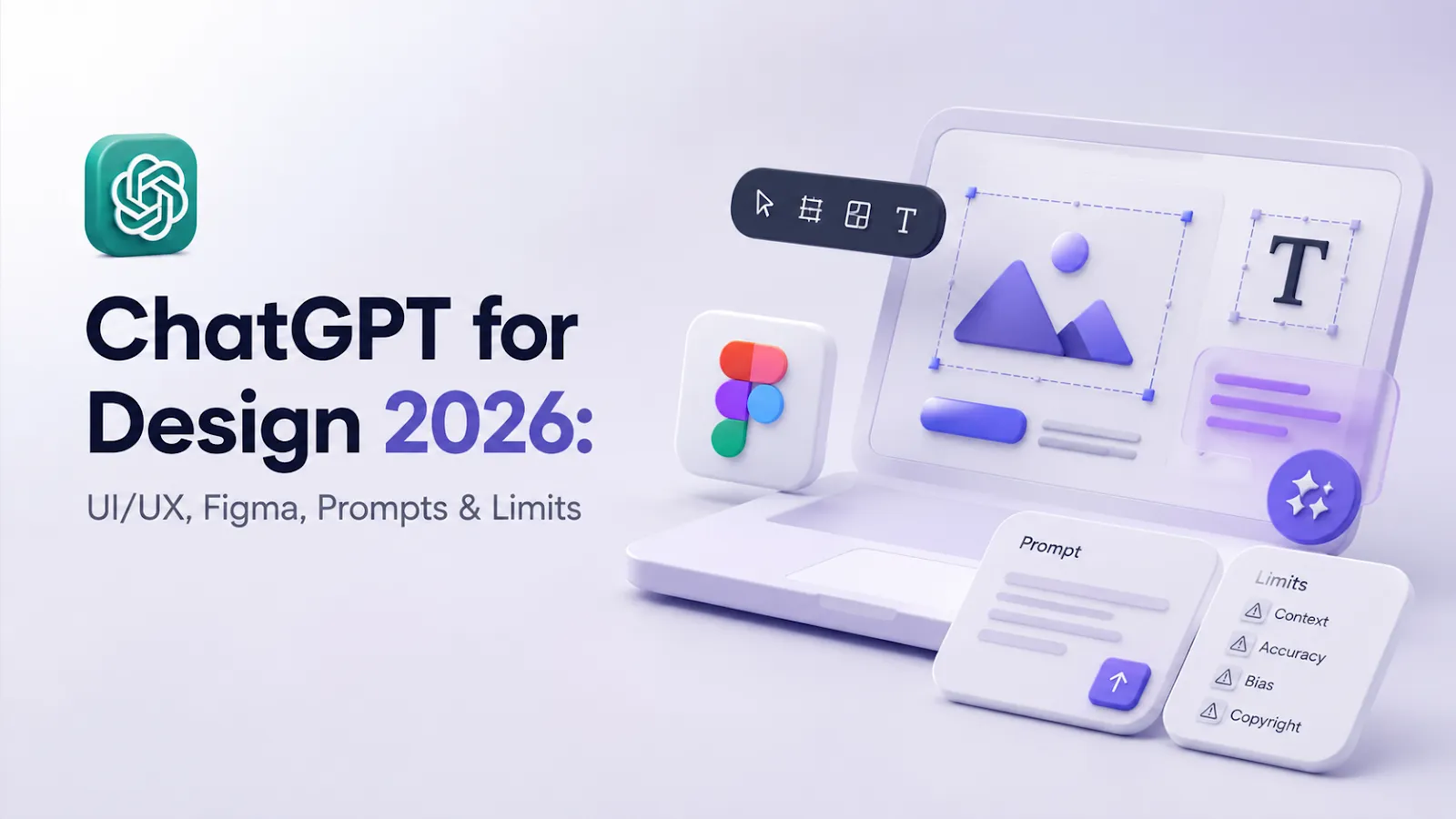
ChatGPT for design in 2026 works best as a thinking partner around the design process: briefs, user research synthesis, UX copy, prompt writing for image tools, critique checklists, accessibility checks, Figma handoff notes, and design-system documentation. It is not a replacement for visual taste or product judgment.
Quick answer: use ChatGPT to clarify the problem, generate directions, write UX copy, critique flows, create research summaries, draft prompts for image tools, and document decisions. Use Figma, Adobe, Canva, and image/video tools for the visual production layer.
| Design workflow | Best ChatGPT use | Human designer still owns |
|---|---|---|
| Creative briefs | Turn messy input into a clear brief | Strategy and constraints |
| UX research | Summarize interviews and themes | Interpretation and bias checks |
| UI/UX flows | Generate edge-case checklists | Interaction quality |
| Copy and microcopy | Draft labels, errors, onboarding | Brand voice and clarity |
| Image prompts | Improve prompts for visual tools | Art direction and consistency |
| Accessibility | Checklist and alt-text drafts | Final compliance review |
| Handoff | Specs, annotations, QA notes | Production feasibility |
Source check — June 12, 2026: current design AI workflows depend on product-specific features and limits. Check official pages such as Figma AI, Adobe Firefly plans, Canva pricing, and ChatGPT pricing before assuming a feature, AI allowance, price, or commercial-rights term is included.
For adjacent design stacks, compare AI tools for images, best AI tools for content creation, and best AI tools for architects.
Will ChatGPT Replace Designers?
Short answer: no. Longer, more interesting answer: it’s already changing what “being a designer” means.
The fear of replacement peaked around 2023–2024. It made headlines, filled Reddit threads, and made a lot of junior designers genuinely anxious. But what actually happened? Senior designers got more senior. Agencies started hiring fewer interns for repetitive tasks but brought in more strategists, more art directors, more people who could steer AI rather than fight it.
ChatGPT doesn’t understand brand nuance. It doesn’t feel the tension between a client’s stated wishes and what their audience actually responds to. It can’t have a gut reaction to a layout. It produces – humans decide.
So: replacement? No. Transformation of the role? Absolutely, yes.
The Growth of AI Adoption in Design (2023–2026)
In 2023, AI tools were exciting experiments. Since then, Adobe, Figma, Canva, and OpenAI have added AI features directly into mainstream design workflows: generative fill, text-to-image, AI-assisted layouts, automatic recoloring, content drafting, and more. Adoption varies by team, plan, and role, so avoid treating any single platform figure as universal.
By 2026, AI-assisted design work is no longer limited to experiments: Figma has AI features and a broad plugin ecosystem, Adobe has Firefly across Creative Cloud, and Canva bundles AI design tools into its plans. Exact plugin counts, feature availability, and pricing change quickly, so verify live product pages before citing them.
What shifted wasn’t the technology as much as the comfort level. Designers stopped asking “should I use this?” and started asking “which part of my workflow fits this best?” That’s a quiet but massive psychological shift.
Combining ChatGPT with Traditional Design Software
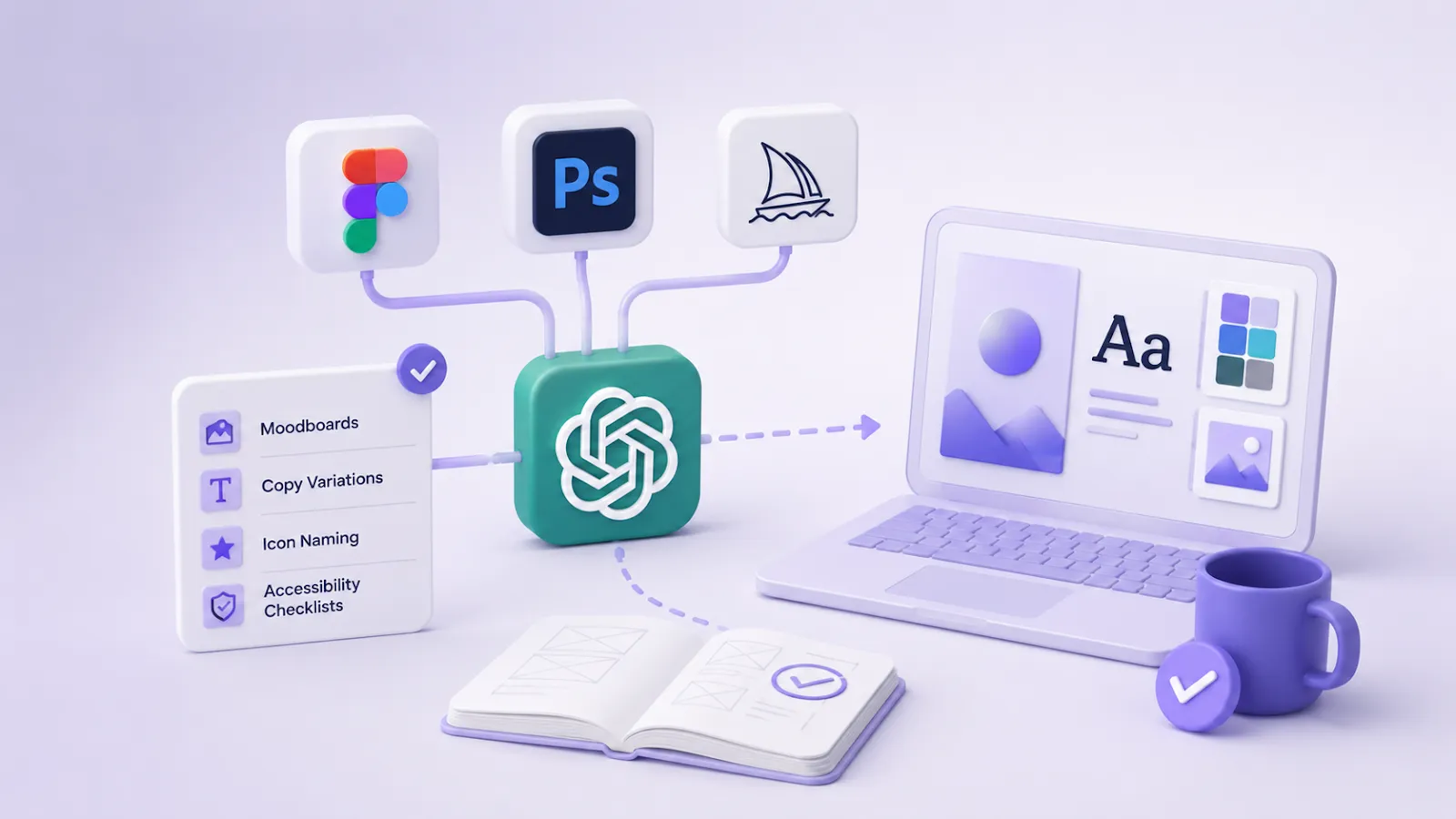
The most powerful thing isn’t ChatGPT alone – it’s ChatGPT plus the tools designers already love. On its own, it generates text, brainstorms concepts, explains ideas, writes briefs. When it’s woven into Figma, Photoshop, or a Midjourney workflow, teams may shorten repetitive steps and create more directions to review, but quality still depends on human design judgment.
A visual identity project that used to eat weeks of back-and-forth may reach a concept stage faster when the team uses AI for moodboard drafts, copy variations, icon naming conventions, and accessibility checklists. The final direction still needs human critique, stakeholder review, and rights checks.
The quality piece is underrated. When you’re not exhausted from repetitive tasks, you have more mental energy for the decisions that matter.
Integrating ChatGPT with Design Tools
Figma
The Figma + ChatGPT pairing has become genuinely practical. Through plugins like Genius or Builder.io’s integration, designers can use natural language to generate component copy, write micro-interaction logic, or get instant feedback on UX flows. The “FigJam AI” features lean heavily on language model technology for sticky note synthesis and brainstorm clustering. For UI designers, this means less context-switching and faster iteration.
Adobe Creative Cloud
Adobe Firefly – built into Photoshop, Illustrator, and Express – uses its own model, but ChatGPT integrations exist through Adobe’s third-party plugin ecosystem. More usefully, designers use ChatGPT alongside Creative Cloud: drafting creative briefs, writing image prompts, generating placeholder copy before brand voice is finalized. In 2025, Adobe began supporting API-based AI workflows that let studios build custom GPT-powered tools inside their production pipelines.
DALL·E
ChatGPT image tools can be useful for moodboards and concept visualization. Describe a specific lighting condition, a historical aesthetic reference, or a typographic style, and the tool can often produce a useful draft. It is not replacing photography or illustration, but it can change early-stage exploration when outputs are reviewed for quality, rights, and brand fit.
Midjourney
Midjourney remains the community favorite for sheer aesthetic output. When used with ChatGPT, which helps craft and refine prompts, generate stylistic descriptions, iterate on visual direction in text, the results get substantially better. Many designers use ChatGPT as a “prompt engineer” layer: they describe their vision in plain language, ChatGPT translates it into Midjourney-optimized prompts, and the combination produces moodboards that would have taken days to source manually.
Where ChatGPT Fails in Creative Work
Here’s where it gets honest. ChatGPT is bad at originality in the deepest sense. It’s trained on what already exists – it recombines, it references, it echoes. Ask it to invent a genuinely new visual language and it will give you something that feels vaguely familiar, a remix of what’s already been done.
It also struggles with:
- Understanding cultural subtext and regional visual codes (what looks “premium” in Tokyo versus Berlin is not the same thing)
- Long-form creative coherence – a 20-screen app with a consistent visual narrative and emotional arc is still a human job
- Knowing when to break the rules – genuine creative risk-taking requires judgment built on lived experience, not pattern matching
And practically: ChatGPT can’t see your design file unless you describe it or give it screenshots. It doesn’t know your client’s history or your audience’s behavior. It only knows what you tell it.
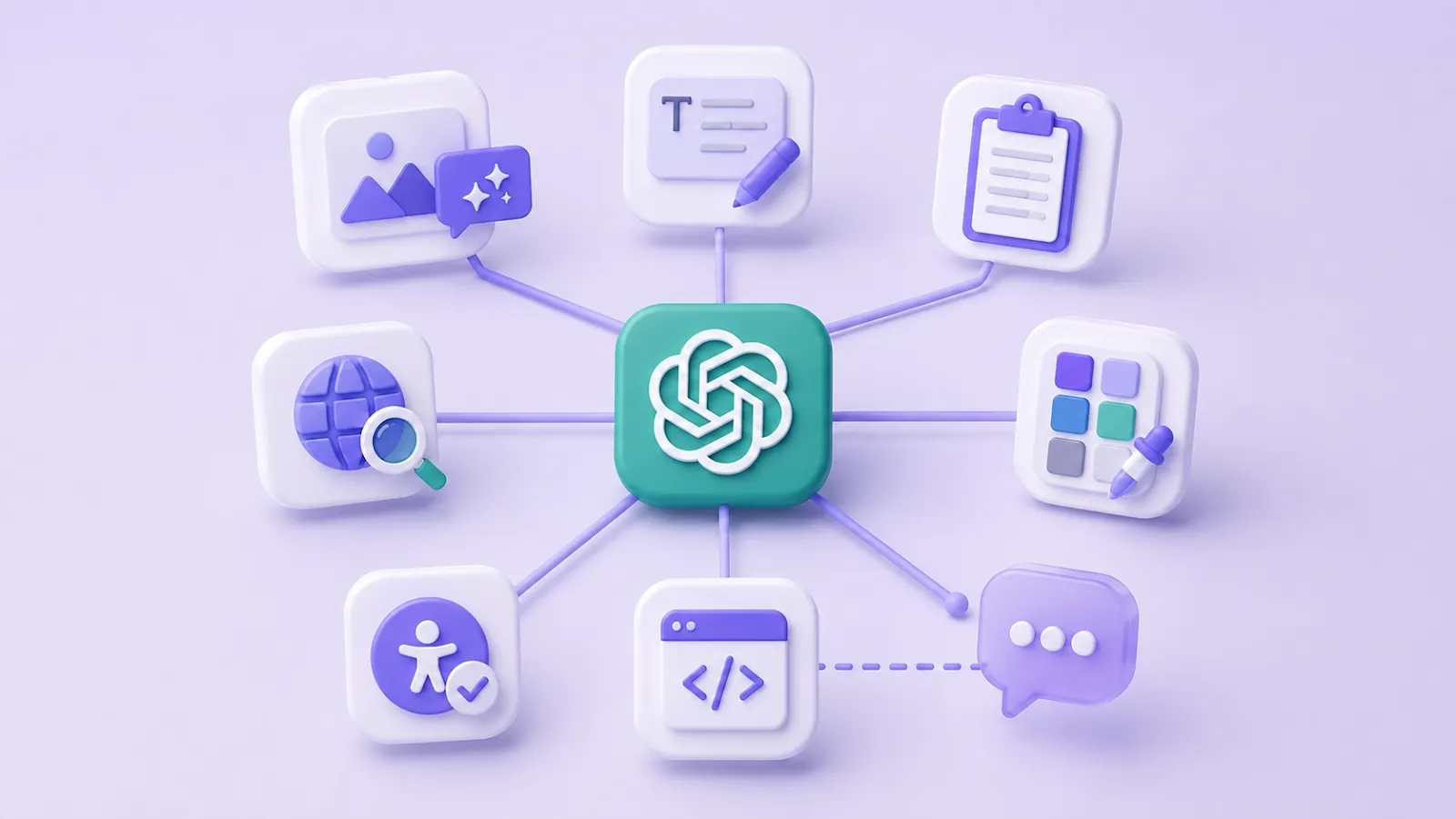
Key Features of ChatGPT for Designers
The tools designers actually use, day to day:
- Prompt generation for image tools (Midjourney, DALL·E, Stable Diffusion)
- Copy writing – headlines, UI microcopy, error messages, onboarding text
- Brief writing and project documentation
- Competitive analysis summaries (when fed URLs or pasted content)
- Color palette naming and brand voice development
- Accessibility language – alt text generation, inclusive copy review
- Code generation for prototyping (CSS, HTML, basic JavaScript interactions)
Faster Design Ideation and Concept Generation
The ideation phase is where ChatGPT earns its place most clearly. Before, generating 10 distinct creative directions for a brand required hours of research, reference gathering, and concept articulation. Now? A well-structured prompt can produce 10 concept territories with rationale in under five minutes.
That’s not the end of the work – it’s the beginning of a better conversation. You can react to something tangible faster. You can identify what doesn’t excite you, which is often more useful than knowing what does. The design thinking stays human; the raw generation speed goes up.
Types of Design Tasks Where ChatGPT is a Great Helper
Graphic Design
Writing creative briefs, generating tagline options, naming color stories, suggesting typographic pairings with rationale, writing print copy variations.
UI/UX Design
Generating user personas, writing UX copy (tooltips, empty states, error messages), creating information architecture outlines, summarizing usability research, drafting user journey narratives.
Web Design
Writing SEO-informed page copy, generating CTA variations for A/B testing, creating site map structures, writing structured content for landing pages.
Product Design
Drafting feature requirement documents, generating user story frameworks, writing product naming options, creating feedback survey questions.
Interior and Architectural Design
Generating client-facing project narratives, writing material and finish descriptions, creating mood and concept briefs, producing specification copy for presentations.
Fashion Design
Writing collection concept notes, generating press release drafts, creating lookbook copy, producing trend research summaries.
Marketing and Creative Design
Campaign naming and conceptual territory generation, writing ad copy variations, creating social media content calendars, producing creative rationale documents.
Useful ChatGPT Prompts for Designers in 2026
A few that actually work – not theoretical, but pulled from real workflows:
Brand identity ideation — “Write 5 distinct creative territories for a rebrand of a 40-year-old Italian furniture company entering the US market. Each territory should have a name, a one-sentence manifesto, and 3 adjectives.”
Image generation prompt engineering — “Generate a Midjourney prompt for a hero image: a minimalist workspace, Scandinavian aesthetic, warm afternoon light, no people, brand color is deep forest green, shot on analog film.”
ChatGPT interior design free concept brief — using ChatGPT interior design free doesn’t require expensive software. “Create a free concept brief for a 30m² studio apartment: mood, material palette, lighting approach, and three furniture layout options. Style: japandi. Budget-conscious.”
ChatGPT house design layout exploration — before committing to an architect or 3D tool, many designers and homeowners use ChatGPT house design direction. “Suggest three layout concepts for a 120m² two-story family home: open-plan vs. divided, natural light priorities, and which rooms should face south. Include pros and cons for each.”
ChatGPT garden design planning — ChatGPT garden design prompts work especially well at the early planning stage. “Create a seasonal planting plan for a 6x4m urban garden in a temperate climate. Include low-maintenance plants, a color palette for summer bloom, and a rough layout sketch description.”
Color palette naming for brand identity — “Review this color palette description and suggest a naming system that fits a premium wellness brand targeting women 35–50.”
ChatGPT tattoo design concept development — “Write a detailed visual brief for a sleeve tattoo concept: client is 28, loves Japanese woodblock prints and astronomy. Include style references, key motifs, placement notes, and a mood description for the artist.”
How to Keep Human Creativity Sharp When You Rely on ChatGPT Daily
The risk is real: use AI for enough repetitive tasks and your creative muscles start to atrophy. This isn’t alarmism – it’s how skills work. If you outsource judgment repeatedly, judgment gets harder.
The designers who are thriving in 2026 treat ChatGPT like a sous-chef, not a head chef. They use it for prep work – the chopping, measuring, organizing – but they remain responsible for the flavor.
A few practical principles that actually help:
- Set an “AI-free” creative session once a week. Sketch, brainstorm, write by hand. Keep the raw instinct sharp.
- Always interrogate AI output before presenting it. If you can’t explain why a generated concept works, you don’t own it yet.
- Use ChatGPT to challenge your thinking, not confirm it. Ask it to argue against your design direction. “What are the three strongest objections to this visual approach?” is a more useful prompt than “Does this look good?”
- Document your creative decisions. As AI handles more generation, the thing that makes you irreplaceable is your decision-making trail – the why behind every choice.
The designers who’ll lead in this environment aren’t the ones who use AI most. They’re the ones who stay clearest about what they’re for – and use every tool, including ChatGPT, in service of that.