
ChatGPT for customer service in 2026 is most useful as a support copilot, not an unsupervised replacement for the support team. It can draft replies, summarize tickets, search help-center content, classify intent, generate macros, translate messages, and suggest next actions when connected to the right systems.
Quick answer: use ChatGPT for FAQs, ticket summaries, support macros, internal knowledge search, QA review, escalation notes, and agent coaching. Keep humans in the loop for refunds, account access, medical/legal/financial issues, angry customers, edge cases, and anything that can damage trust.
| Support workflow | Best ChatGPT use | Human guardrail |
|---|---|---|
| Help-center answers | RAG over approved docs | Cite source article and confidence |
| Ticket triage | Intent and priority classification | Audit routing mistakes |
| Agent replies | Draft macros and tone variants | Agent approves before send |
| Escalations | Summaries and timelines | Human owns resolution |
| QA and coaching | Review conversations | Manager validates feedback |
| Self-service bots | Answer common questions | Escalate low-confidence cases |
| Analytics | Cluster ticket themes | Product/support team interprets |
Source check — June 4, 2026: support AI should be evaluated against official product pages such as OpenAI’s customer service resources, Zendesk AI, Intercom Fin, and Salesforce Agentforce. Pricing, resolution definitions, and included actions differ by platform, so verify live terms before calculating ROI.
For the career-risk side, read will AI replace customer service. For tool selection, compare best AI chatbots, best AI agents for business, and best AI tools for business.
Integrating custom ChatGPT chatbots on websites or SaaS apps
Website chatbots used to do one narrow job. They matched keywords and returned a scripted answer. ChatGPT changed that model because it can keep track of the conversation and respond to a question the way a real user asks it. That matters a lot in SaaS, where customers usually describe symptoms, not official feature names.
The better setups do more than place a chatbot on the page. They connect the model to trusted help content, give it access to a few real actions, and set clear rules for when the conversation should move to a human agent. For many teams learning how to use ChatGPT for customer service, this is where the practical work really starts.
Most teams build these systems in a fairly similar way:
- Data scoping: Identifying the specific documentation, help articles, and database schemas the AI needs to access.
- Architecture setup: Choosing between a client-side integration or a server-side proxy to manage API keys and security.
- Knowledge ingestion: Using Retrieval-Augmented Generation (RAG) to index company data into a vector database.
- Prompt engineering: Defining the personality, boundaries, and specific “skills” the chatbot should possess.
- Internal testing: Running the bot through “red-team” scenarios to ensure it does not leak sensitive data or provide incorrect discounts.
- Continuous monitoring: Implementing a feedback loop where humans review low-confidence AI responses to improve future accuracy.
Capabilities that make ChatGPT great for FAQs
Most FAQ pages have the same problem: the answer is there somewhere, but finding it feels like work. ChatGPT changes that. Instead of making people hunt through tabs and search bars, it lets them ask the question the way they would ask a real support agent.
That matters since customers rarely use the exact words from your help center. They type fast and miss details. They describe the problem in their own way. ChatGPT can still connect that messy question to the right answer. That is one reason so many teams now use ChatGPT for customer service at the FAQ layer first.
- It reads intent, so it can understand the question even when the wording is messy.
- It gives a short explanation first, instead of sending the customer off to search alone.
- It stays in context, so follow-up questions still make sense in the same chat.
- It rewrites technical or policy-heavy text into language people can grasp fast.
- It can connect the answer to the next step, such as opening a ticket.
How ChatGPT delivers human-like conversations
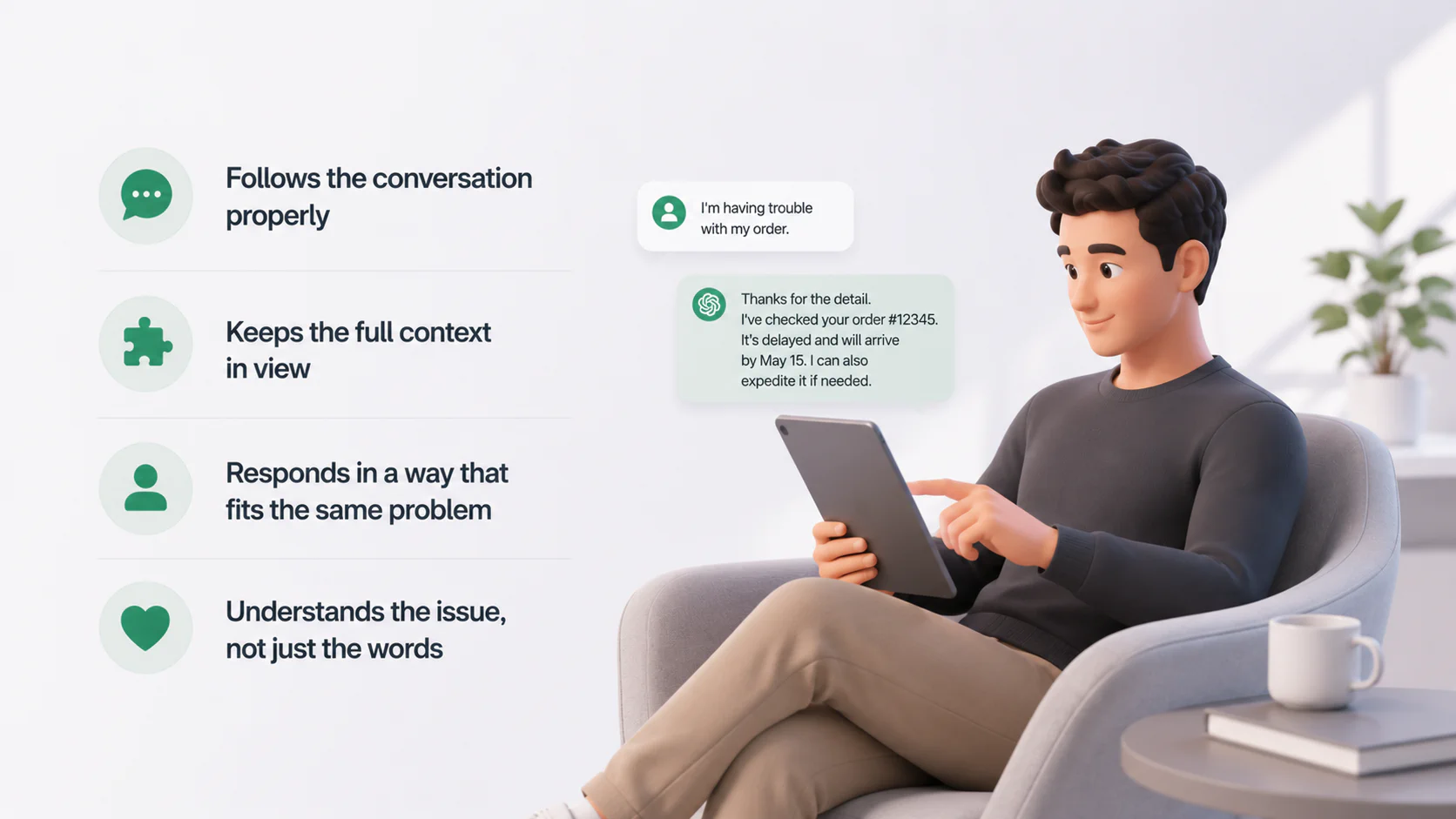
What makes ChatGPT feel human in support is actually quite simple: it follows the conversation properly.
A customer explains the issue once, adds an important detail later, then asks the follow-up in different words. ChatGPT can keep that thread in view and respond in a way that still fits the same problem. That gives the exchange a more natural flow and saves the customer from repeating themselves. This is one of the clearest reasons ChatGPT for customer service feels more natural than older scripted bots.
This matters in support since people usually reach out after something has already gone wrong. In that moment, they are not looking for cheerful phrasing. They want a reply that shows the issue was understood.
Smart feedback collection that turns insights into product improvements
Support conversations often show product problems before any formal report does. Customers describe what confused them, what broke, and what slowed them down. ChatGPT helps teams catch those patterns faster by reading large volumes of conversations and grouping similar issues together.
That means product teams don’t have to wait for someone to review tickets by hand at the end of the month. If several customers start struggling with the same checkout change, the pattern can show up much earlier. The support team gets a clearer view of what keeps coming up, and the product team gets a sharper picture of what needs attention first. For companies learning how to use ChatGPT for customer service beyond basic chat, this is where the value starts reaching product decisions, too.
Achieving true 24/7 availability without hiring extra staff
Before AI, companies usually needed teams in different time zones to offer round-the-clock support. That approach was expensive, and the quality was not always consistent. With ChatGPT, the level of service at 3 a.m. on a Sunday is identical to the service at 10 a.m. on a Tuesday. The AI doesn’t get tired, doesn’t need breaks. This allows small startups to offer enterprise-grade support availability from day one without the massive payroll overhead.
True 24/7 availability also means the AI can handle sudden spikes in traffic during a product launch or a holiday sale. While a human team has a hard cap on how many chats they can manage simultaneously, an API-based AI can scale horizontally. Zendesk CX Trends Report noted that 72% of customers now prefer an immediate AI resolution over waiting more than five minutes for a human.
Pros of using ChatGPT for customer service
The implementation of ChatGPT provides an immediate operational upgrade that goes beyond simple cost-cutting. The most durable benefits usually show up in these places:
- Faster first responses during off-hours or demand spikes.
- Shorter handling time for agents because summaries and draft replies arrive early.
- More consistent answers across email, chat, and help-center touchpoints.
- Better visibility into recurring problems because conversations become searchable and classifiable.
Cons and limitations every business must know before implementing
Despite the advanced capabilities of AI models, businesses must remain aware of the inherent risks of LLM deployment. Before rollout, every team should pressure-test four problem areas:
- Hallucinated answers on unusual or poorly documented cases.
- Privacy exposure if the model can see more customer data than it needs.
- Weak escalation design that makes customers repeat themselves later.
- Over-automation that boosts volume while lowering resolution quality.
Does ChatGPT remain more reliable than other AI tools?
Claude, Gemini, and open-source models like Llama 4 are all serious competitors. Still, ChatGPT often stands out for one practical reason: the ecosystem around it. Its wide range of integrations with tools like Salesforce and Zendesk makes it a natural choice for many support and IT teams.
However, “more reliable” is not the same as “best for every task.” Claude is often praised for careful work with long texts. Gemini stands out in Google-centered environments and multimodal tasks. Microsoft Copilot is a serious choice for teams already working inside the Microsoft stack.
So what is the straight answer? ChatGPT is often the most practical choice when a team wants a broad ecosystem, flexible APIs, and many integration paths. Yet the strongest support setups in 2026 are often model-agnostic. That is part of how to use ChatGPT for customer service well: treat it as a strong option, not the automatic answer to every support task.
| Tool | Where it stands out | Best fit for support teams | Main limitation |
|---|---|---|---|
| ChatGPT | Broad ecosystem, flexible APIs, strong business context options | Teams that want custom support flows, tool use, and many integration paths | Needs careful grounding and workflow design to stay accurate |
| Claude | Strong long-form reasoning and careful text handling | Teams working with dense support docs, policy-heavy replies, or detailed internal knowledge work | Fewer obvious native support-tool links than ChatGPT-led ecosystems |
| Gemini | Strong Google enterprise connectors and multimodal potential | Teams already invested in Google Cloud or workflows that mix text with richer content types | Support adoption often depends on the surrounding Google stack |
| Microsoft Copilot | Deep fit with Dynamics 365, Microsoft 365, and service workflows | Enterprises already running customer service inside Microsoft tools | Best results usually depend on being inside the Microsoft environment |
Breaking language barriers and expanding to global markets effortlessly
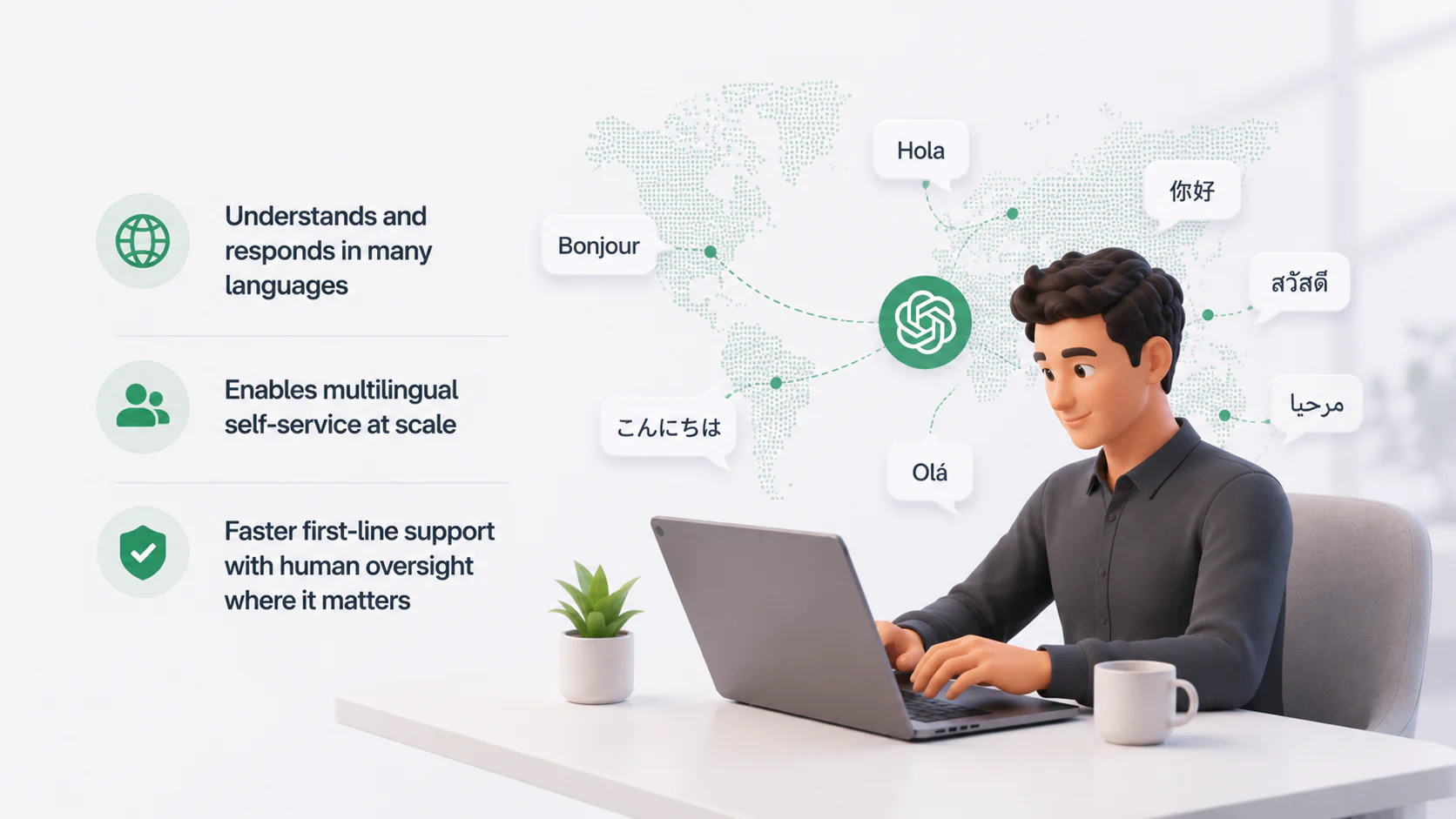
Global support used to require a painful choice. Either hire region by region or accept thinner service outside your core market. ChatGPT changes that first layer because it can understand and generate responses in many languages, which makes multilingual self-service much more feasible for growing teams. OpenAI notes that prompts can be written in a target language, and the model will usually respond in that same language.
This doesn’t remove the need for human review. Tone, policy nuance, and local compliance still matter. It does give support teams a faster way to offer first-line service in markets where they do not yet have full local coverage. For companies that want to use ChatGPT for customer service across more than one region, this is often one of the clearest early gains.
What integrations of ChatGPT with plugins, CRMs, and tools for customer service are there?
ChatGPT integrations are much easier to deploy now than they were a year or two ago. Most teams no longer start from a blank page. They connect ChatGPT to the systems they already use and let it work inside those workflows. That shift matters a lot for teams figuring out how to use ChatGPT for customer service in a way that fits their current stack instead of replacing it.
In practice, these integrations usually fall into three main groups:
- Direct support-tool integrations
ChatGPT works inside a helpdesk, live chat, or contact center platform and supports agents in the same space where daily service work already happens. - Major CRM integrations
ChatGPT connects to the system that stores customer and account data, which gives support teams more context for replies and follow-ups. - Automation and integration platforms, or the glue layer
Workflow tools move data between systems and trigger the right AI task at the right moment, linking the helpdesk, the CRM, and the model in one flow.
The structure below makes those integration types easier to compare:
| Integration type | What it is | What it usually does |
|---|---|---|
| Direct support-tool integration | A built-in or connected AI layer inside a helpdesk, chat, or contact center platform | - Summarizes tickets - Drafts replies - Helps agents inside the support interface |
| Major CRM integrations | A connection between ChatGPT and the system that stores customer and account data | - Adds customer context to replies - Helps personalize support - Gives account-aware answers |
| The glue layer | A workflow layer that moves data between tools and triggers AI actions | - Triggers prompts - Moves data between systems - Writes results back into tickets or records |
Direct integrations between ChatGPT (or GPT APIs) and support tools
These tools sit at the front of AI support, where the model works directly inside the ticketing or service platform. For many companies, this is the most visible way to use ChatGPT for customer service, since the AI appears right inside the tools agents already use every day.
Zendesk support suite
Zendesk has one of the clearer OpenAI stories in support. Its AI stack uses OpenAI models in several service features, and Zendesk’s newer Action Builder additions include pre-built connections for OpenAI. That means teams can pair Zendesk workflows with GPT-powered summarization and external actions rather than building every piece from scratch.
Salesforce Service Cloud
The integration with Einstein GPT allows Salesforce users to generate personalized chat responses and email drafts based on CRM data. It can pull in specific account details, like the last product purchased or the current contract value, to make the AI’s response feel highly specific. This reduces the copy-paste work that used to dominate a support agent’s day.
Freshdesk
Freshdesk uses its Freddy AI engine to provide a similar set of features, focusing on bot-led resolutions and agent assistance. The system can automatically turn a long, rambling customer email into a concise summary for the agent. It also offers a “proactive support” feature that can identify when a customer is struggling on a specific webpage and offer help before they even ask.
Intercom
Intercom was one of the first platforms to go all-in on AI with its Fin chatbot. In 2026, Fin can resolve a large share of tickets instantly by searching through a company’s help center and internal documentation. The setup is designed to be simple, which makes it appealing for teams learning how to use ChatGPT for customer service without building a complex custom workflow first.
HubSpot Service Hub
HubSpot now offers an official OpenAI integration that lets teams connect their own OpenAI account to HubSpot workflows. That gives Service Hub users a direct route to AI-powered workflow actions while keeping control over models, usage, and billing. It can also suggest knowledge base articles to agents based on the content of a live chat, helping them find answers faster.
Zoho Desk
Zoho Desk provides an AI assistant named Zia that can perform sentiment analysis on every incoming ticket. Zia can warn managers when a particular customer is at risk due to a series of negative interactions. It also offers a tagging system that uses AI to organize the help center based on what customers are actually searching for. That makes Zoho Desk one of the more direct examples of a support tool with explicit OpenAI-backed customer service features.
Talkdesk
Talkdesk’s path is more contact-center oriented. It has described GPT-powered features and has also documented its work with Microsoft Azure OpenAI Service for privacy-conscious deployments. That makes Talkdesk relevant for voice-heavy service environments where summarization, agent assist, and orchestration matter more than a website chatbot alone.
Major CRM integrations
The CRM holds much of the context that support teams need. Once ChatGPT can access that layer, the replies become far more relevant. That is one of the clearest ways to use ChatGPT for customer service in a B2B setting, where the real story often sits in account history and product usage, not just in the ticket itself.
HubSpot
HubSpot now supports both sides of the relationship. There is an official OpenAI integration for workflows, and there is also a HubSpot connector for ChatGPT that lets users work with CRM data in ChatGPT under permission controls. For service teams, that opens the door to customer-aware answers.
Salesforce
Salesforce is now deeply relevant in the ChatGPT conversation because the OpenAI partnership brings CRM context into ChatGPT workflows and lets organizations use OpenAI models inside the Salesforce platform. That matters for support because the case rarely lives in the ticket alone. History, contract status, product usage, and account ownership often sit in the CRM.
Pipedrive
Pipedrive launched a ChatGPT app for customers in late 2025, allowing the connected use of Pipedrive data inside ChatGPT. It is more sales-focused than service-desk native, but for teams where account managers handle support-adjacent requests, it can still be useful for quick customer context and follow-up preparation.
Zoho CRM
Zoho CRM supports OpenAI-linked assistance through Zia, giving users generative help around communication and customer work. For businesses already in the Zoho stack, that makes service and CRM context easier to align without adopting a separate AI layer for every department.
monday.com
monday.com has been expanding its AI infrastructure fast. It offers AI functions within the platform and has also introduced MCP-based connectivity, so AI assistants can securely access and act on monday data. That is useful for support operations that use monday as a service, onboarding, or customer project hub rather than as a classic helpdesk.
Close CRM
Close has leaned into AI-enabled workflows and has explicitly shown how teams can connect Close to ChatGPT and related AI systems to offload CRM tasks. This is less about a packaged support bot and more about building a service-adjacent operating layer for teams that manage customer conversations through sales-style workflows. For companies thinking about how to use ChatGPT for customer service beyond the helpdesk itself, that can be a very practical setup.
Automation & integration platforms (Glue layer)
When a native integration does not exist, the glue layer gives teams a way to build their own AI workflows. This is often where companies learn how to use ChatGPT for customer service in a more flexible way, since they are no longer limited to the features built into one platform.
Leading platforms
Platforms like Tray.io and Workato have emerged as enterprise-grade alternatives to basic automation. They allow for complex, multi-step workflows that involve several different AI models and databases. For example, a workflow might involve using GPT to summarize a ticket, then using a specialized security AI to check for sensitive data, and finally posting the result in a Slack channel.
Zapier
Zapier is often the first tool small and mid-sized businesses use when they want to add ChatGPT to customer support without building a custom integration. It connects ChatGPT with thousands of apps, so teams can plug AI into the tools they already use instead of changing their whole setup. In practice, that means a new ticket can trigger a summary or a CRM update can give ChatGPT the customer context it needs before an agent responds.
Make
Make (formerly Integromat) offers a more visual and granular way to build AI support workflows. It’s especially useful for handling JSON data and complex logic paths that Zapier might struggle with. You can build a system that decides which AI model to use based on the length or language of the incoming message.
TimelinesAI
TimelinesAI is a more specialized option. It focuses on WhatsApp support and CRM-linked messaging workflows, including ChatGPT-powered agents and automation. That makes it a strong fit for teams that treat WhatsApp as a real customer service channel, not just an extra contact option. It can bring multiple WhatsApp numbers into one shared workspace and give agents a single view of customer conversations, with GPT-powered drafting built into the workflow.